The Office — Slack Face Pack
9 character faces, ready to drop onto each Slack bot. Square 640×640 PNG, exactly what Slack wants.
How to set each one (≈30 sec each)
- Open api.slack.com/apps and pick the app for that agent.
- Left menu → Basic Information → scroll to Display Information.
- Under App icon & Preview, click + Add app icon (or replace the current one) and upload the face below.
- Hit Save Changes. Done. The new face shows on the bot's next message.

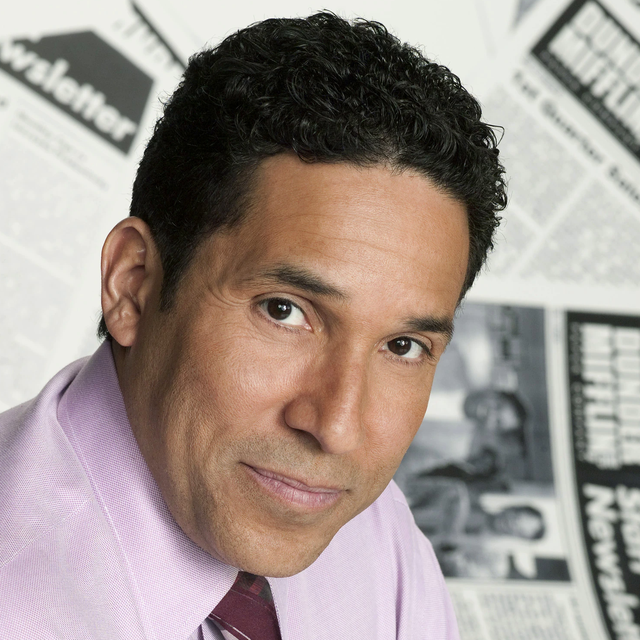

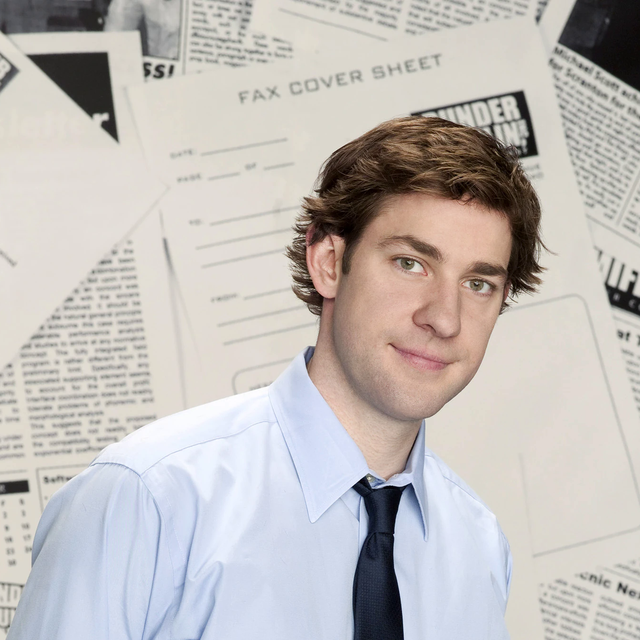


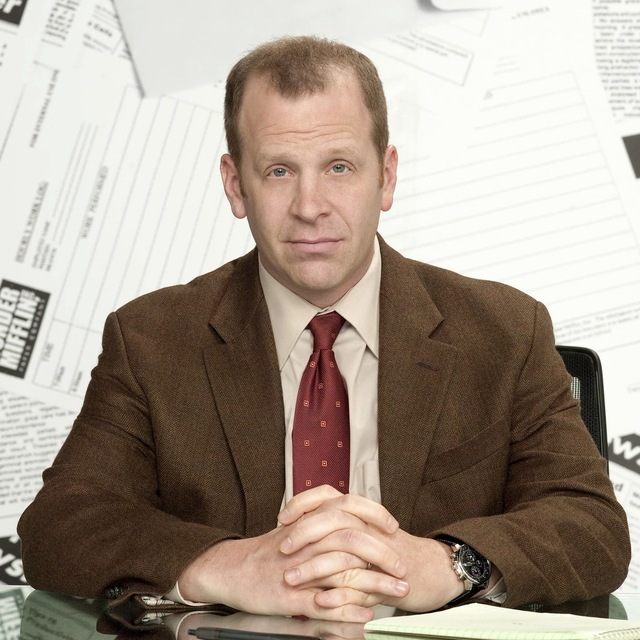

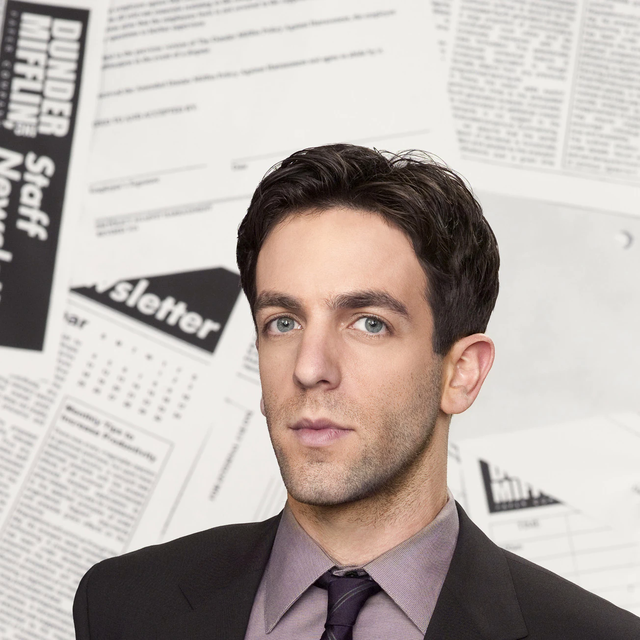
World's Best Boss approved. Somehow I manage.